For small businesses and professional offices
AI agents for the work your office repeats.
I'm Yair. I build them, run them, and stay on as the AI department a small office hires.
Replies within one business day · , WhatsApp or email
20+ years in R&D, 10 leading it. Now I build a system that analyzes a legal file. an office assistant that never sleeps. a content engine in one person's voice.
20+ years in software
From developer to R&D manager.
Built teams from zero
Hired, grew, and led R&D teams, and mentored their leads.
Delivery at consumer scale
R&D project manager, then team lead, on a product used by hundreds of millions of people.
What I build
AI agents come first. The studio also designs bilingual websites and makes creative films, each with its own page.
AI agents
Agents that take over your office's recurring work, intake, sorting, drafts, and follow-up, inside the tools you already use, with a person approving what matters. Built as a fixed-price project, then run and improved month to month if you want.
See AI agents- New request
- Captured and sorted
- Draft reply prepared
- Missing documents chased
- Human approval
- Answered and tracked
Websites
Designed, fast, bilingual (Hebrew and English) websites for a business that sells a service.
See websitesCreative films
Short creative films made with generative AI, for a brand, a launch, or social media. The studio's own concept films show the range.
See creative films
Recent work
Systems, websites, and films the studio has made, each one labelled for what it is.
Command Center
PrototypeOvernight mail and documents in one morning view, with drafts awaiting approval.
This website
LiveThe studio's own site, written and built in English and Hebrew side by side.
Dallal
ConceptA drawn café menu fills with color, then a paper café front folds up around it.
Coffee grinder
ConceptA coffee grinder comes apart in mid-air, piece by piece, and back together.



What each label means
Live means it runs today, prototype means it is in build and shown with sample data, and concept means a film that shows the studio's creative range. One more system runs today at a law office; it is not shown here.
Three ways to start
Each step stands on its own, and you can stop after any of them. The Managed AI Office is the studio running your office's recurring work, month to month.
Scoping call
Free · 20 minutes · no obligation
Tell me about one workflow that costs your office time. We look at how it runs today and where it gets stuck.
- A written read of the workflow
- A plain answer on what fits next, and why
A fixed-price project
Fixed scope · fixed price
One project in any of the studio's services, scoped in the call and priced before work starts:
Managed AI Office
One-time setup · then month to month
The studio runs your office's recurring work in its own private environment: the morning briefing, the inbox, documents, and follow-up.
- Morning briefing
- Email triage
- Document workflows
- Follow-up and meetings
- LinkedIn content engine, included
- Command Center, the view your office logs into (in build)
What the managed office looks like
In build · shown with sample data
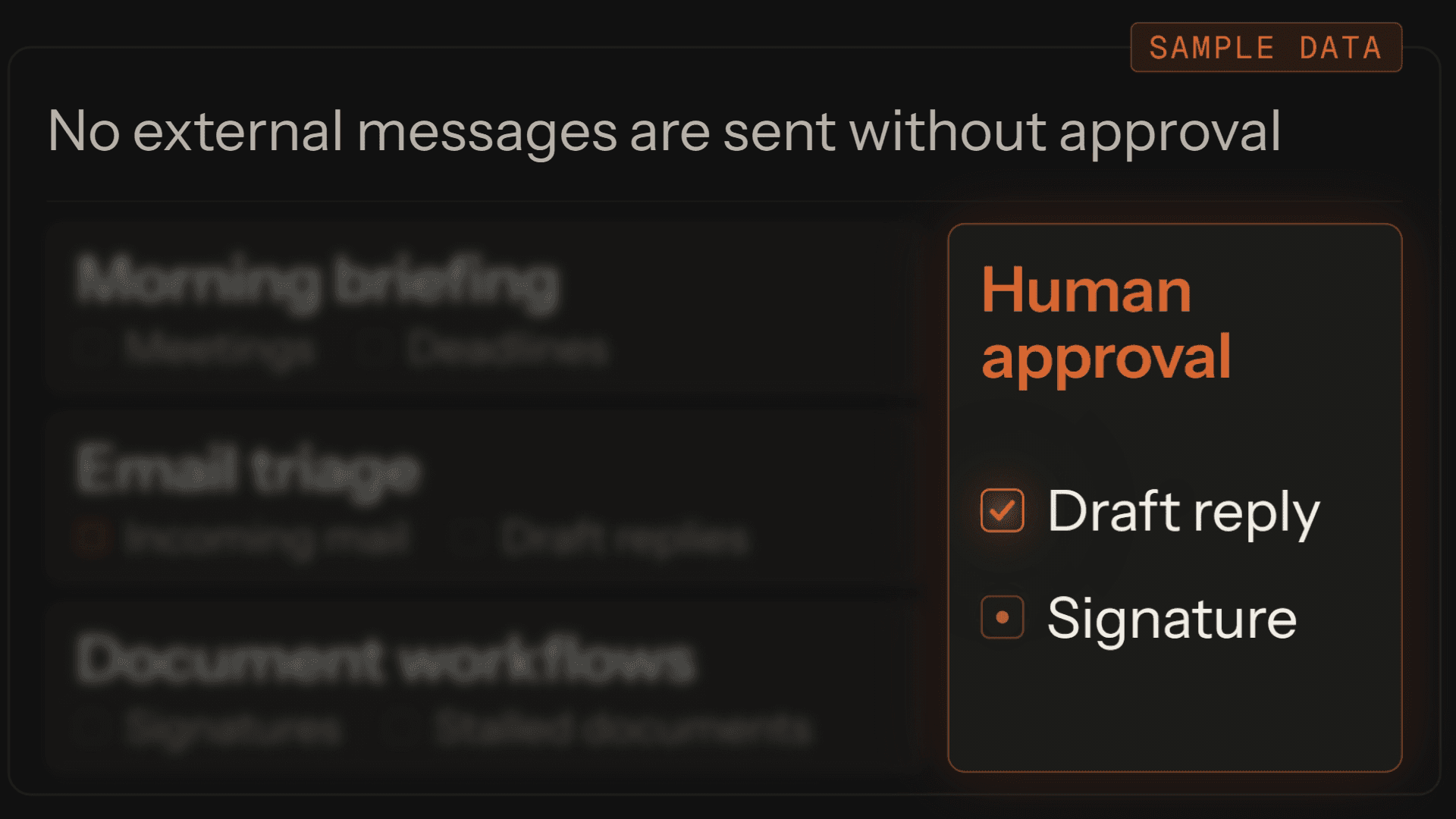
Command Center is the view the managed office runs on: the day's incoming mail, draft replies, signatures, and stalled documents in one place, with what matters held for a person's approval.

Who builds this
y[AI]r studio is one person, not an agency. You work directly with the person who runs the scoping call, maps the workflow, builds the system, and supports it after it goes live.
Yair Bederman
Founder · AI systems architect
AI with clear boundaries
- Start read-only when possible
- No external messages are sent without approval
- No data is deleted or changed without explicit approval
- When confidence is low, the item is flagged for a person
- The system supports decisions; it does not replace them
The studio runs each office in its own private environment, starts read-only where it can, sends or changes nothing without approval, flags low-confidence items for a person, and agrees where it all runs in the first conversation.
Start with one workflow.
The first step is free: a 20-minute call about one workflow in your office, then a written read of it and a plain answer on where to start. The choice stays yours.